 Corey
CoreyThe AI Morning Briefing Nobody Checks Is Still Running
An AI morning briefing is a scheduled Claude run that reads your inbox, calendar and open tasks overnight and hands you a short brief before you open your laptop. Set it up with a cron-triggered prompt and a fixed output file. The part nobody builds is the check that it actually ran.
What is an AI morning briefing?
An AI morning briefing is a scheduled Claude run that reads your inbox, your calendar, your open tasks and whatever else you point it at overnight, then writes you a short brief before you sit down. You give it a prompt, a schedule, and somewhere to put the result. Claude does the reading. You do the deciding. The whole point is that you open one file instead of four tabs.
You have probably already half-built one. A saved prompt you paste in every morning. A note that says “check these three things.” That’s the same job, done by hand, at the cost of doing it by hand every single day.
The five-minute version
Point a scheduled Claude run at the things you’d check anyway - unread mail, today’s calendar, anything you flagged yesterday - and have it write one file with the three things that actually need you. Not a summary of everything. A shortlist of what needs a decision.
The build is genuinely small:
- One prompt, written once, that says what “needs you” means for your work specifically.
- A schedule - most people want this before they’re awake, not while they’re reading it.
- One output location you always check first, so the habit only has one address.
None of that is the hard part. The hard part is the bit almost nobody builds, which is how you’d know if it stopped.
The problem with a system that fails by going quiet
Here’s the failure mode that doesn’t announce itself: the thing breaks, and what you get instead of an error is nothing. No brief. No red banner. Just a normal-looking morning where, it turns out, nobody checked anything overnight.
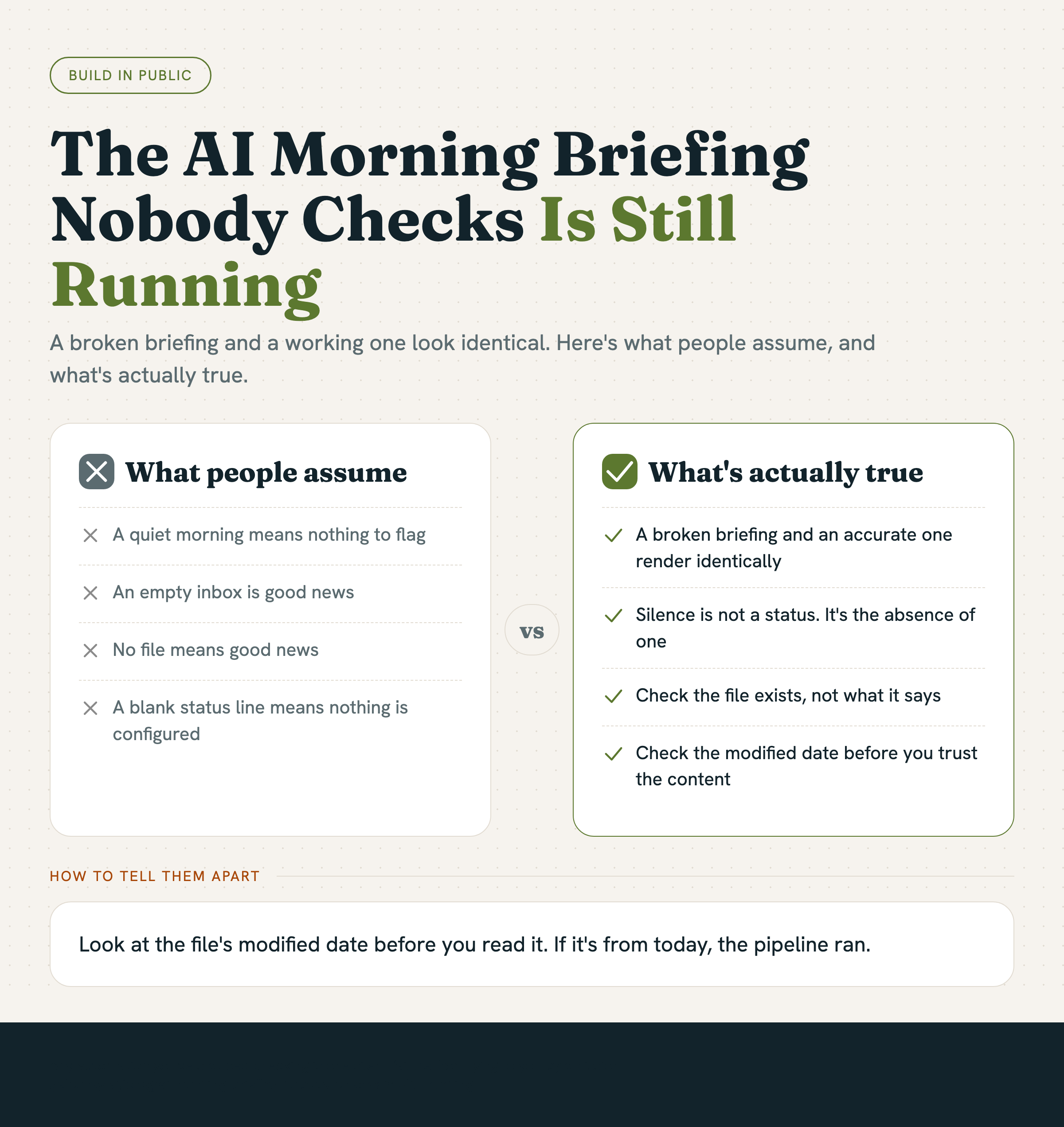
You’d notice a crash. You would not necessarily notice absence, especially if absence looks exactly like “quiet week, nothing to flag.” A broken briefing and an accurate briefing that found nothing worth flagging render identically: an empty inbox, or no file at all, which you read as good news.
We found our own version of this the hard way, and it wasn’t even in the briefing itself - it was one level down, in the part of the system that’s supposed to just work without being looked at. Our status line, the small strip at the bottom of the terminal that shows which git branch and model you’re on, had been rendering blank for seventeen days. Not erroring. Blank. A tool upgrade had quietly moved the program it depended on, so every attempt to draw it failed silently and left an empty row - which reads exactly like “nobody’s configured a status line here,” not “something broke.” We only went looking because a completely unrelated glitch made us paste a screenshot and ask what was actually wrong, and the real fault had been sitting there the entire time, doing nothing, for seventeen days, in full view, correctly disguised as normal.
The lesson generalises past status lines. Anything that’s supposed to run quietly and just hand you an output - a scheduled report, a sync job, a daily brief - has exactly this weak point. Silence is not a status. It’s the absence of one, and your brain will fill that absence in with “nothing happened” nine times out of ten, because that’s usually true.
How do you know your briefing is still running?
Check for the thing existing, not for what it says. A daily brief should leave a timestamped trace every single day it runs - a new file, a new line in a log, a new entry somewhere you can glance at without reading the content. If two days pass with no new trace, that’s the alert, independent of whatever the brief would have told you.
The cheap version of this is almost insultingly simple: look at the file’s modified date before you read it. If it’s from today, the pipeline ran. If it’s from four days ago and you’ve been reading it on autopilot since, you’ve been getting Tuesday’s news all week and calling it current.
The instinct to build the fancy version first - alerting, dashboards, a health check with its own health check - is the wrong order. Build the brief. Then build the one-line habit of checking it exists before you trust what it says. Everything past that is polish on a foundation you haven’t tested yet.
The pattern to watch for in your own work
Any automation you’ve stopped actively checking is one silent failure away from lying to you by omission. Not by being wrong - by simply not showing up, and looking exactly like a quiet day. The fix isn’t more monitoring everywhere. It’s picking the two or three things you’d genuinely be upset to lose, and giving each one a trace you’d notice going missing.
You already know which ones those are. You just haven’t checked, this week, whether they’re still there.